


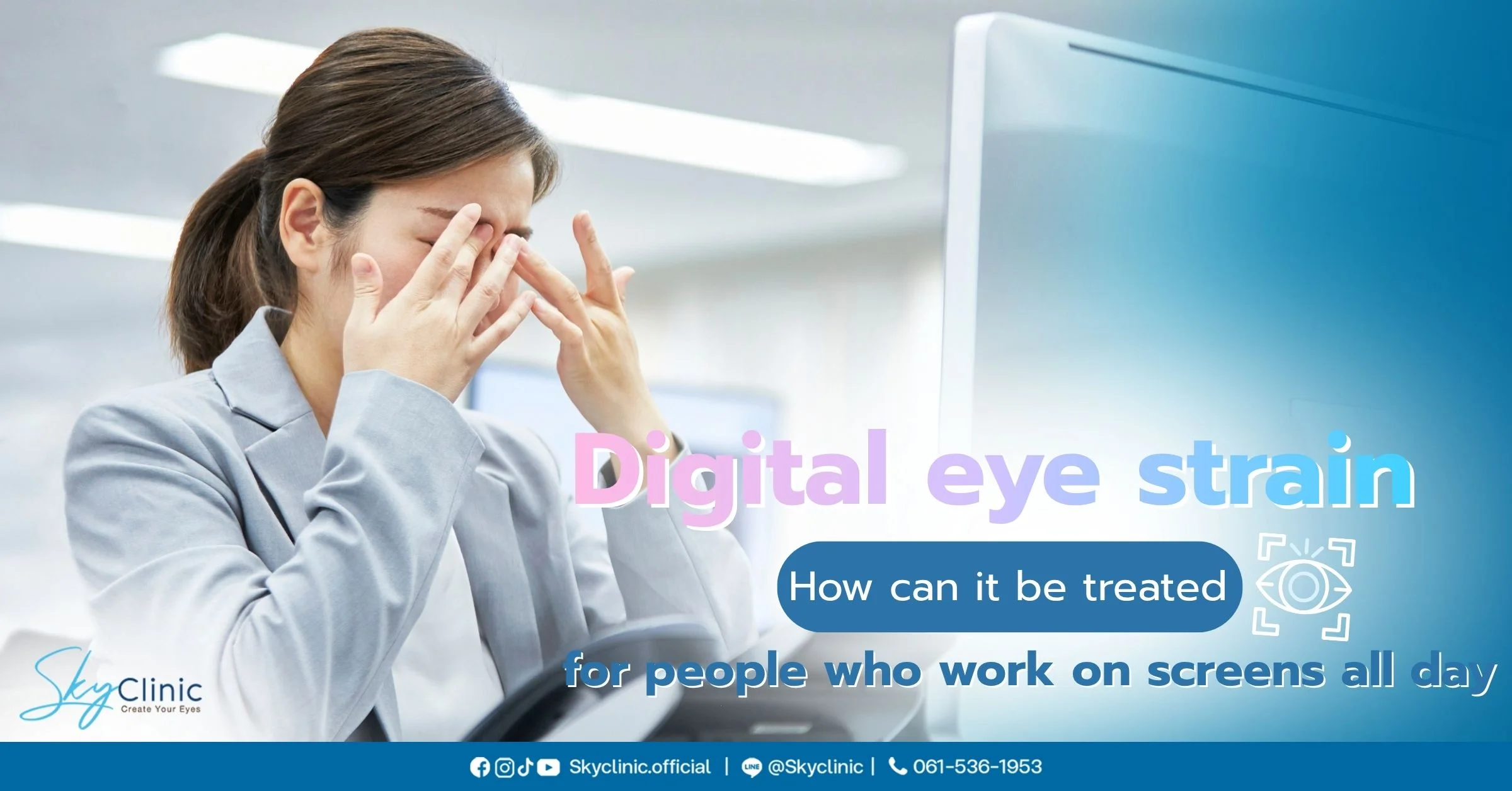
How to Relieve Eye Strain Quickly After Long Hours of Computer Use




In the digital age, our daily lives are closely tied to computer and smartphone screens, whether for work or entertainment. Prolonged and intensive screen use can easily lead to eye fatigue and irritation. If you are experiencing these symptoms and looking for ways to relieve eye strain from long hours of computer use, this article brings together simple, practical techniques that can help refresh your eyes and allow you to get back to work more comfortably and efficiently.
Computer Vision Syndrome: Symptoms of Eye Strain from Prolonged Screen Use
Computer Vision Syndrome (CVS) is a common condition among working adults who need to focus on computer screens for prolonged periods. Common symptoms include dry eyes, eye irritation, blurred vision, and increased sensitivity to light. If eye strain from prolonged computer use is left untreated or not properly managed, it may affect work performance and long-term eye health. Therefore, it is important to regularly watch for these warning signs.
Causes of Eye Strain from Prolonged Computer Use
Eye strain is not caused solely by looking at screens. Other environmental factors can also contribute. Understanding the underlying causes can help you adjust your habits and address the problem more effectively. The main causes include:
Inappropriate lighting: Excessively bright or dim lighting makes your pupils and focusing system work harder.
Screen distance: Placing the screen too close or too far away can cause your eye muscles to remain strained.
Existing vision problems: Uncorrected nearsightedness, farsightedness, or astigmatism, or wearing glasses with the wrong prescription.
Reduced blinking: When concentrating on a screen, we tend to blink less without realizing it, causing tears to evaporate more quickly.
How to Relieve Eye Strain Quickly After Long Hours of Computer Use
Once you understand the causes, changing your habits is key to relieving symptoms. If you experience eye strain from prolonged screen use, here are some simple techniques you can try right away to ease eye fatigue and restore comfort quickly.
Rest Your Eyes with the 20-20-20 Rule
The 20-20-20 rule is a commonly recommended practice by eye care professionals to reduce prolonged, continuous near focusing. Every 20 minutes, look away from your computer screen and focus on an object approximately 20 feet (6 meters) away for at least 20 seconds. This helps relax the focusing muscles of the eyes and may reduce eye strain caused by prolonged screen use.
Adjusting Your Sitting Posture and Screen Distance
Proper sitting posture affects both eye comfort and overall body alignment. Position your computer screen approximately 20–28 inches from your eyes, or about an arm’s length away. Adjust the top edge of the screen to eye level or slightly below, so you look downward at an angle of about 15–20 degrees. This helps reduce eyelid exposure, minimize tear evaporation, and keep your neck and back in a more relaxed position.
Maintaining Eye Moisture with Artificial Tears
Prolonged screen use can reduce our blinking rate, causing the eyes to lose moisture. Using artificial tears is an important way to replenish moisture and help relieve dryness and irritation. If you need to use them frequently, choose preservative-free artificial tears. Apply them as needed throughout the day to help prevent irritation and keep your eyes feeling more comfortable and refreshed.
Adjusting Screen Brightness and Your Work Environment
The lighting in your workspace should be adequate, neither too dim nor excessively bright. Avoid working in positions where sunlight from windows or light from lamps shines directly onto the screen, as glare can make your eyes work harder to focus. Consider installing an anti-glare screen filter or adjusting the screen brightness to match the surrounding light levels to reduce visual discomfort.

Frequently Asked Questions About Eye Strain from Prolonged Computer Use
Do Blue Light Blocking Glasses Really Help Reduce Eye Strain?
Blue light blocking glasses have not been proven to significantly reduce digital eye strain or improve visual clarity. However, some people may find them comfortable to wear while working. They do not directly address the main causes of eye strain. If you continue to use your eyes intensively without taking breaks, eye discomfort may still occur. Therefore, it is best to combine appropriate eyewear with healthy visual habits, such as following the 20-20-20 rule, for better results.
What Types of Eye Pain Require Immediate Attention from an Ophthalmologist?
If your symptoms do not improve after adjusting your habits or become more severe, such as blurred vision, double vision, significant light sensitivity, severe headaches, or eye socket pain that interferes with daily activities, you should seek an ophthalmologist’s evaluation promptly. These symptoms may indicate an underlying eye condition, such as glaucoma or a retinal disorder, that requires appropriate treatment.
Can Eye Massage Help Relieve Eye Pain?
Gently massaging the areas around the eyes, temples, and eyebrows may help promote relaxation and relieve muscle tension around the eyes. In addition, applying a warm compress using a warm, damp cloth or an eye mask for approximately 5–10 minutes can help soften the oils in the eyelid glands, improve oil flow, and relieve eye discomfort. However, avoid pressing or massaging the eyeballs directly to prevent injury.
Summary

Taking care of your eyes when working with screens is something that working adults should not overlook. Making small changes to your habits and regularly monitoring your symptoms can help reduce the risk of eye strain from prolonged computer use and other vision-related problems. For anyone who is concerned about their eye health or looking for a reputable eye clinic, Sky Clinic provides care from experienced ophthalmologists. We also offer cosmetic procedures, such as Double Eyelid Surgery, to enhance the appearance of the eyes and help them look brighter and more refreshed.
Source : -