


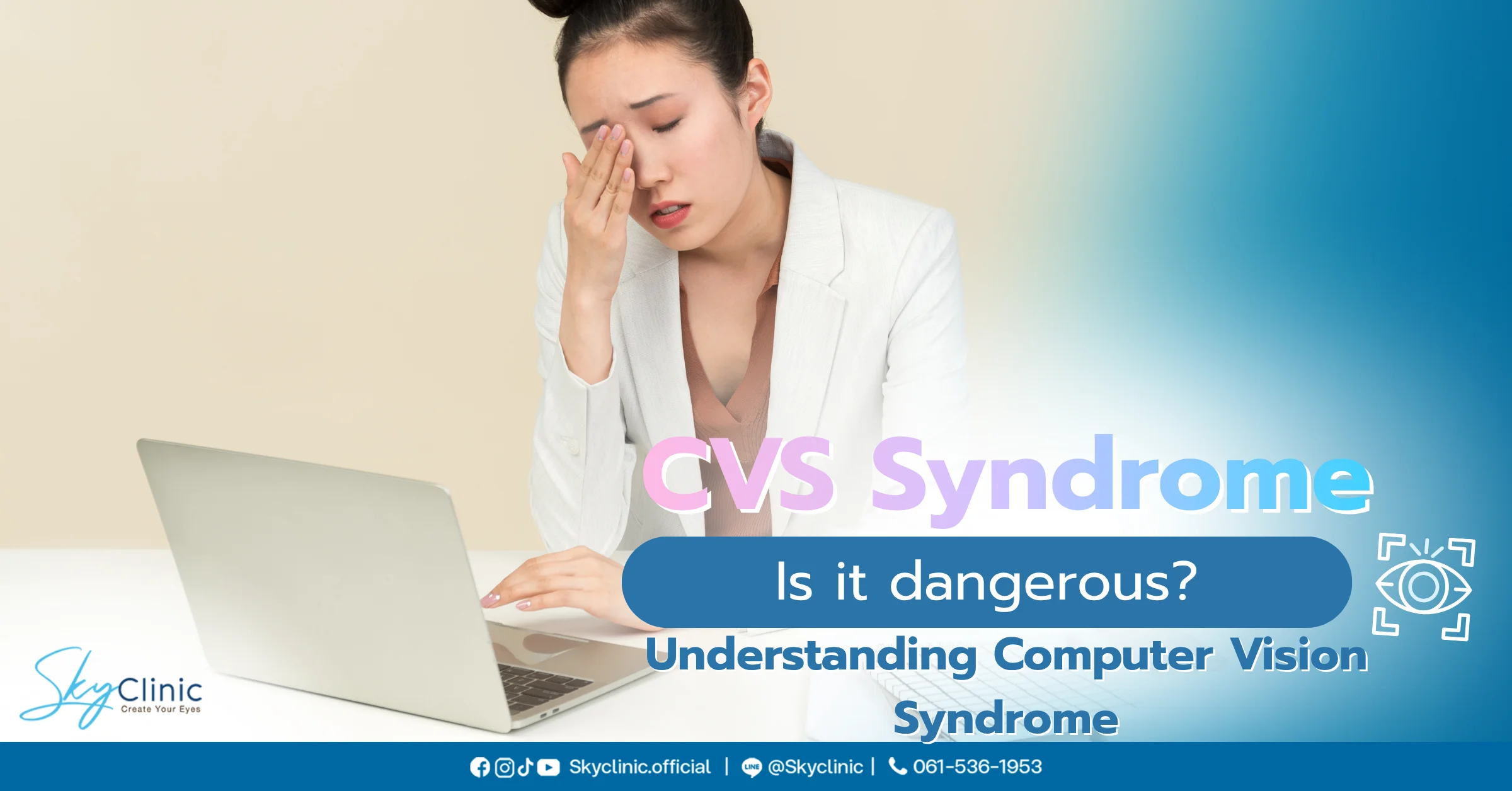
Computer Vision Syndrome (CVS): The Hidden Effects of Prolonged Screen Time on Your Eyes




In the digital age, most people spend several hours a day looking at computer and smartphone screens, whether for work or leisure. This may cause eye problems such as eye pain, burning eyes, or double vision. These symptoms may be warning signs of Computer Vision Syndrome (CVS), a condition associated with everyday screen-use habits. If left unaddressed for a long time, it may affect long-term eye health. How serious can this condition be? Let’s find out in this article.
What Is Computer Vision Syndrome (CVS)?
Computer Vision Syndrome (CVS) is a group of eye and vision symptoms caused by prolonged use of computers, tablets, and smartphones. This condition occurs when the eyes have to work harder to focus on images on screens with glare, causing the eye muscles to become increasingly fatigued. The longer you spend looking at screens, the more severe the symptoms may become. Treatment for Computer Vision Syndrome primarily focuses on behavior changes and environmental adjustments to reduce eye strain.
Computer Vision Syndrome (CVS) Symptoms You Should Not Ignore
The warning signs of digital eye strain can vary and may affect daily life. If you leave these symptoms unaddressed, they may worsen and negatively affect your vision. Common symptoms that may indicate the eyes are working too hard include the following:
Burning sensation in the eyes: noticeable eye discomfort when looking at a screen for a prolonged period.
Eye irritation and pain: a sensation similar to having dust or particles in the eyes, which may cause light sensitivity and discomfort.
Blurred vision: may result from continuous focusing and reduced blinking while concentrating on the screen.
Dry eyes: often occur temporarily while using digital devices because tears evaporate more quickly.
What Causes Computer Vision Syndrome (CVS)?
The main factors contributing to this condition are screen-use habits and an unsuitable environment, which differ from problems such as sagging or weak eye muscles caused by abnormalities of the eyelid muscles. The key factors that contribute to computer-related eye strain include the following:
Reduced blinking: Concentrating on reading text causes us to blink less, allowing tears to evaporate and making the eyes more prone to dryness.
Unbalanced brightness: Lighting in the workspace that is too bright or too dim may not match the brightness of the screen.
Screen glare: Bright light reflected directly from a computer screen into the eyes can increase eye strain.
Low screen clarity: Blurry text or an unstable display can cause the eyes to work harder to continuously adjust their focus.
Poor ergonomics: An improper working posture and a screen positioned at an unsuitable eye level can lead to accumulated fatigue.
Who Is More at Risk of Developing Computer Vision Syndrome (CVS)?
Although technology has become an integral part of everyday life, people at higher risk of digital eye strain are generally those who regularly spend long periods focusing on digital screens without taking sufficient breaks. The main groups who commonly experience these symptoms include:
Working professionals: Office workers who spend most of the day working with documents on computer screens.
Content creators: Writers and others who create content or work on projects through screens for extended periods.
Design professionals: Graphic designers who need to focus closely on colors and visual details.
Students: School and university students who spend much of their time studying through online learning systems.
General users: People who use computers or smartphones continuously for several hours without taking breaks.
How to Prevent Computer Vision Syndrome (CVS) for People Who Use Screens Every Day

Taking care of your eye health to prevent this condition is not difficult. By adjusting work habits and creating a suitable environment, you can help protect your eyes and maintain healthy vision for longer. The following guidelines and practices can be easily incorporated into your daily routine.
The 20-20-20 Rule: An Easy Technique for Resting Your Eyes
The 20-20-20 rule is a widely recognized and effective eye-resting technique. When working continuously in front of a screen, rest your eyes every 20 minutes by looking away from the screen at an object approximately 20 feet away for at least 20 seconds. This can help relax the eye muscles, reduce eye strain, and allow the eyes to rest.
How to Position Your Screen for Comfortable Viewing
Properly positioning your computer screen according to ergonomic principles is important. The screen should be placed approximately 20–28 inches away from the eyes, with the center of the screen positioned about 15–20 degrees below eye level. This position helps keep the neck and eyes at a natural angle, effectively reducing fatigue in the neck, shoulders, and eyes.
Adjust the Room and Screen Lighting to Reduce Eye Strain
Lighting conditions can affect how the eyes function. Avoid working in the dark or in a room with excessively bright lighting. It is recommended to close curtains or blinds to block sunlight that may reflect off the screen, or use a desk lamp to provide additional focused lighting. In addition, adjust the computer screen brightness to match the room lighting and adjust the settings to make the text clear and easier to read without straining the eyes.
Blink More Often to Reduce the Risk of Dry Eyes
Normally, we blink approximately 15–20 times per minute, but when focusing on a computer screen, the blink rate can decrease by more than half. This is a major cause of tear evaporation and dry eyes. Therefore, we should practice blinking more frequently while working or use artificial tears regularly to help keep the eyes moist, reduce discomfort, and prevent inflammation of the eye surface.
Choosing the Right Prescription Glasses and Light-Filtering Lenses
For those who regularly spend time in front of screens, choosing glasses designed for computer use can help reduce eye strain. Consider lenses with anti-reflective and blue-light filtering properties. Installing an anti-glare filter on the screen can also be helpful. If you have a refractive error, you should have your vision tested and get glasses with an up-to-date prescription to prevent your eyes from working too hard.
Consult Sky Clinic for Eyelid Surgery and Endoscopic Brow Lift Techniques
In addition to managing digital eye strain, if you are concerned about wrinkles or sagging from repeatedly raising your eyebrows and forehead when focusing on screens, Sky Clinic offers surgical facial lifting options. Our Endobrow Lift technique helps lift and tighten the upper face for a more refreshed appearance.
Frequently Asked Questions About Computer Vision Syndrome (CVS)
When it comes to digital eye strain caused by prolonged computer screen use, many people have questions about the severity of the symptoms, treatment and care, as well as proper prevention methods. We have compiled frequently asked questions with clear answers to help you properly manage and take care of your eye health.
Can Computer Vision Syndrome (CVS) Go Away on Its Own?
Digital eye strain symptoms can improve when we rest our eyes and reduce screen time. However, if we return to the same screen-use habits, the symptoms may recur. Therefore, it is important to adjust the environment and take regular breaks to rest the eyes.
Do Blue-Light Filtering Glasses Really Help Reduce CVS Symptoms?
Blue-light filtering glasses can help reduce exposure to blue light, making the eyes feel more comfortable when looking at screens. However, it is still important to follow eye-resting practices and adjust the screen brightness appropriately for the best results.
How Is Computer Vision Syndrome (CVS) Different from Dry Eye Syndrome?
Dry eye is just one of the symptoms associated with Computer Vision Syndrome (CVS). This condition can also cause other symptoms, such as eye pain, blurred vision, light sensitivity, and neck, shoulder, and upper back pain caused by poor sitting posture.
Summary

Digital eye strain is not a minor issue. If left unaddressed, it can develop into an eye health problem that affects daily life. Adjusting screen-use habits, optimizing the environment, and taking regular breaks to rest the eyes are essential for maintaining eye health. However, if you are looking for an eyelid surgery clinic to address other eyelid concerns, you can consult an ophthalmologist at Sky Clinic, which offers Double Eyelid Surgery, Medial Epicanthoplasty, Ptosis Correction, Subbrow Lift, Under-Eye Bag Removal Surgery, and Endoscopic Brow Lift Surgery to receive treatment suited to your concerns.
Source : -